If you’ve ever watched a stack of RFIs pile up like unpaid parking tickets, you know the feeling: a small miss turns into a big delay, and suddenly everyone’s pointing at drawings instead of pouring concrete.
That’s the pain Bluebeam Max is built to solve.
Bluebeam Max is now available. Here’s the straight talk: it’s Revu, supercharged with AI and smarter workflows designed to keep your projects moving instead of stalling.
Catching errors before they catch you
Rework is expensive. Like, millions expensive. According to industry studies, rework eats up 5–9% of total construction costs. And most of it starts with small drawing misses that multiply downstream.
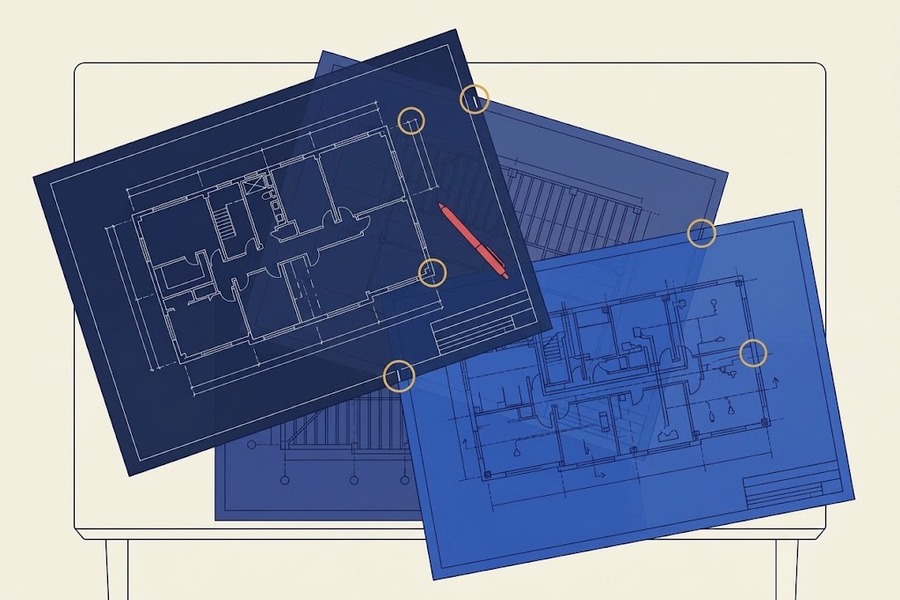
Max introduces Smart Review and Smart Overlay — AI-powered features that look at your drawings and surface conflicts, scope gaps and discrepancies before they spiral into RFIs and delays. Think of it like a second set of eyes that never gets tired and never shrugs off a “we’ll deal with it later.”
Smart Review scans construction documents for design issues, scope gaps and discrepancies, surfacing insights as AI-generated markups, dashboards and trackable issues. Smart Overlay detects design changes across phases, disciplines and drawing scales — so instead of manually hunting page by page, you get visual overlays and trackable comparisons that tell you exactly what changed and where.
That’s hours saved and headaches avoided, long before anyone has to fire off a frustrated email.
Bridging the gap between PDF, BIM
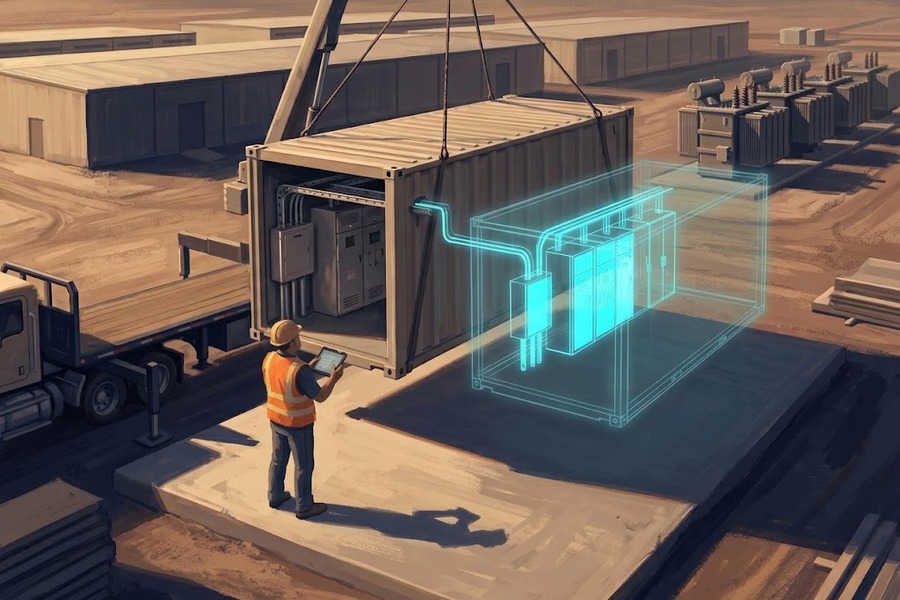
Every builder has had that moment where a flat drawing hides a three-dimensional problem. Architects and engineers see one thing, the field sees another, and you end up discovering the misalignment after steel is already cut.
Bluebeam Max starts to close that gap. With Connected Studio Sessions with Revit®, Bluebeam markups automatically link to the correct spot in Revit — in the corresponding drawing sheet and 3D view. Instead of flipping between tools and translating between mental models, teams see everything connected. Less guesswork, fewer “I thought that was supposed to be …” conversations and more confidence before the first pour.
Yet Connected Sessions doesn’t just bridge documents and models — it bridges teams. A builder can start a Connected Session and invite anyone to mark up — consultants, owners, designers, subs — regardless of license tier. Collaborators join from web, iOS, Android or Revu and do what they’ve always done: mark up in 2D, drop in comments, share expertise. The difference is that every piece of feedback flows directly back to the model. No separate platform. No extra licensing hoops. No “can you export that and send it over?”
This is the part that’s easy to overlook and hard to overstate. Plenty of tools connect files. Connecting the people who actually need to weigh in — without making them jump through technology or procurement gates — is something only Bluebeam is positioned to do.
See the bigger picture
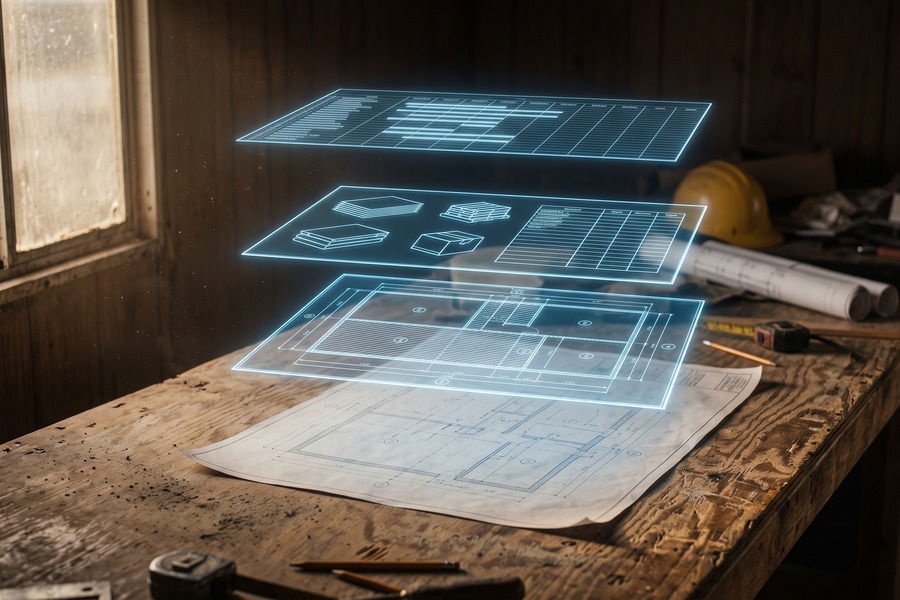
Combining long corridor drawings used to feel like folding a fitted sheet: technically possible, but never fun. Max uses AI for new Stitching functionality that automatically combines drawing sheets from different parts of your project into a single, continuous view — giving you one navigable sheet instead of a Frankenstein patchwork.
It sounds small, but if you’ve ever had to piece together a 1,000-foot trench across a dozen sheets — or tried to visualize 100,000 square feet in a single view — you know how much smoother life gets when it all flows as one.
‘Magic’ markups (because who has time to redo the same work twice?)
Another small-but-mighty set of upgrades: ‘Magic’ markups. Three tools — Duplicate as, Convert to and Offset — that eliminate a shocking amount of repetitive work. Measure a shape once and duplicate it across material types without redrawing. Convert an existing markup to a different measurement type without starting over.
Offset a line to create parallel markups at precise distances, CAD-style, without leaving Revu. These are the features estimators and engineers have been wishing for. You use one once and wonder how you tolerated the old way.
Talk to your drawings
Perhaps the most transformative piece of Max is also the hardest to explain until you try it:
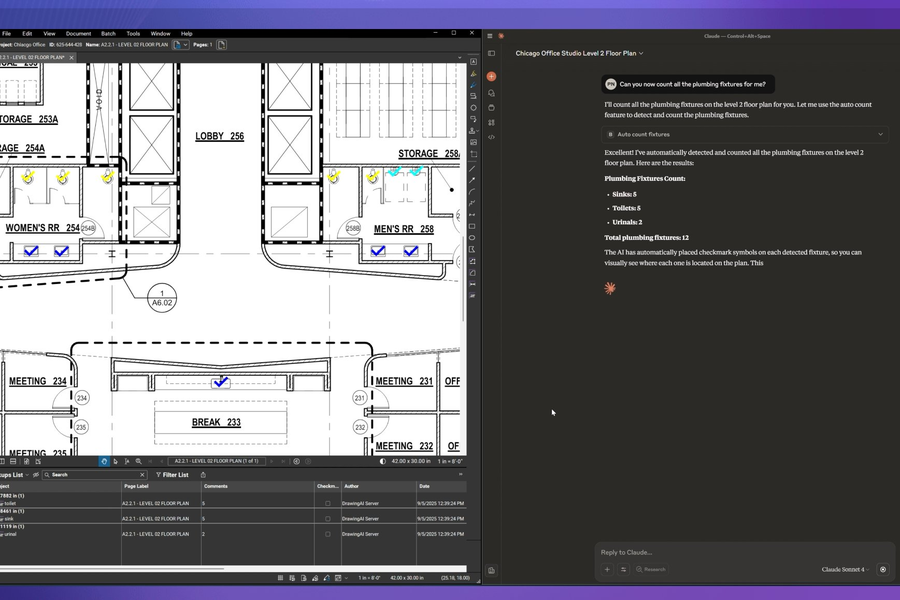
Revu connected to AI via MCP. MCP stands for Model Context Protocol — an industry-standard way to connect software to AI models. With Max, Revu connects to Anthropic’s Claude, which means you can use natural-language prompts to do things that used to require either deep Bluebeam expertise or a lot of manual clicking.
Tell it to scan a PDF for submittal requirements and organize them by CSI division. Ask it to review change orders and update markup metadata. Have it update 400 markups in a single command instead of doing it click by click.
One beta user put it plainly: “I save between four to six hours a month just on bookmarking and page labeling with MCP.”
Max launches with Anthropic/Claude integration. It’s built on industry-standard MCP, so as other AI models add desktop MCP support — Copilot, ChatGPT, Perplexity, Gemini — you’ll be able to connect whichever fits your workflow best. Max also supports AnythingLLM, giving customers the flexibility to connect to the model of their choice.
Why it matters
At the end of the day, Bluebeam Max isn’t about shiny new features. It’s about fewer headaches, fewer missed deadlines and fewer “how did this slip through?” conversations.
It’s about letting design and build teams work smarter together, not spend half their time patching over gaps in process or communication.
Perhaps most importantly, it’s about making sure the next time someone says, “We’ll deal with it later,” there’s a system in place that makes sure “later” doesn’t turn into “too late.”